Classroom tools
For the projector or the interactive whiteboard, in front of the whole class. They open in the browser. The ones with something to print need an account.
- Nothing to install
- Fullscreen
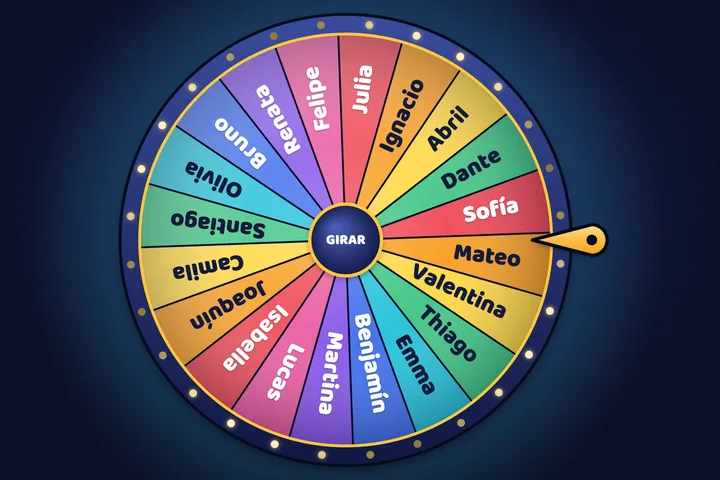
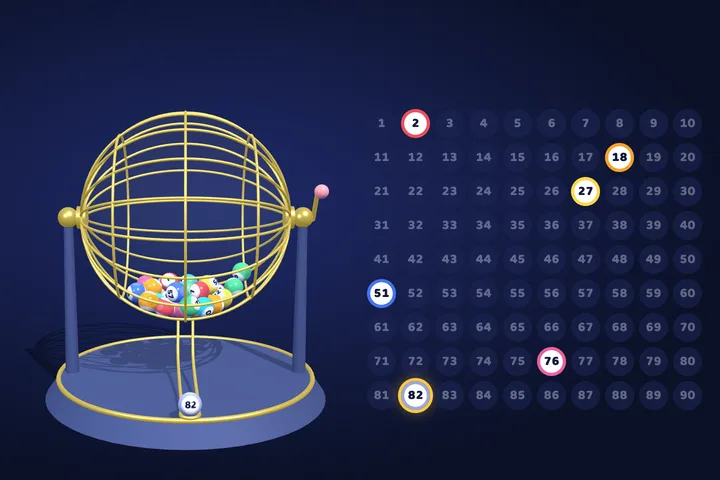
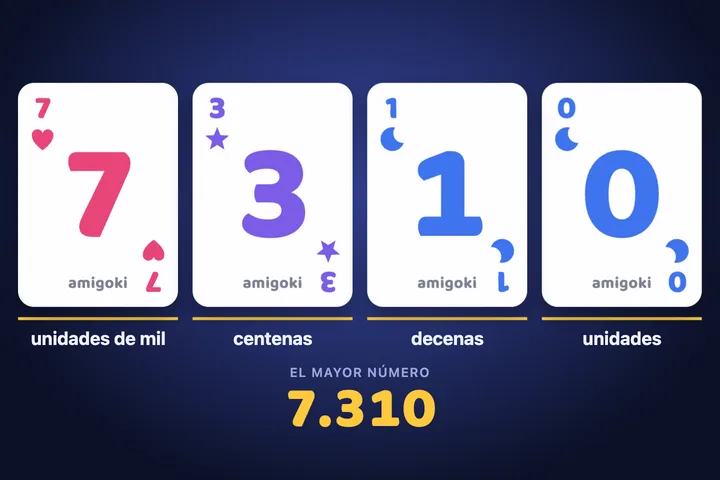
Pick at random
To choose whose turn it is, or what comes next.

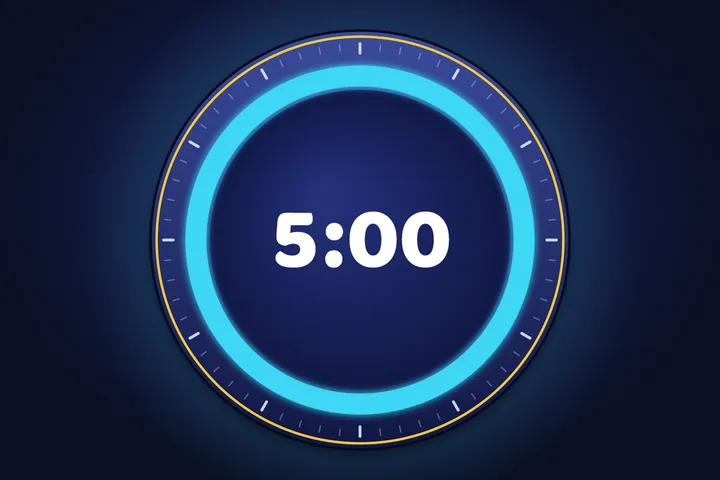
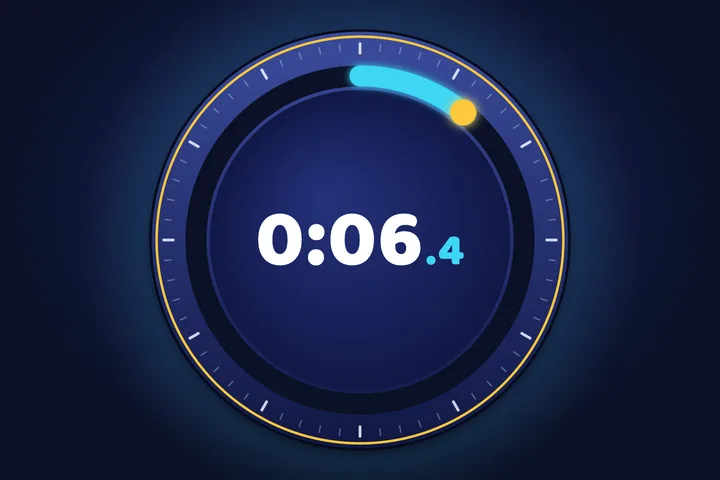
Keep time
So the whole class can see how much time is left.
Organize the class
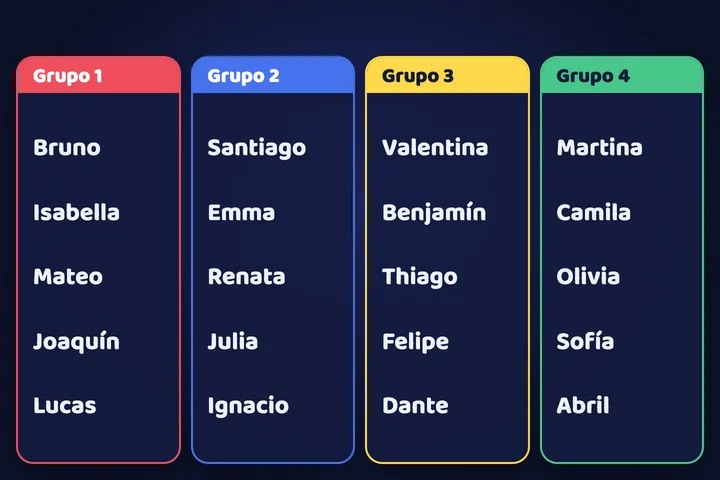
To split the class into teams.
These tools are for whoever is teaching: you project them on the board or the interactive whiteboard and run them from the computer, with nothing to install. The wheel, the dice, the timer, the stopwatch and the groups need no account. The bingo and the number cards, which have something to print, work with an Amigoki account. What you type, like your class list, is saved only in your browser.
Frequently asked questions
Do I need to create an account?
For most of them, no: the wheel, the dice, the timer, the stopwatch and the groups open straight in the browser. The bingo and the number cards work with an Amigoki account, which you create with Google or with your email.
Where are the names I type stored?
In your browser, on this device. They are not sent to any server. If you open the tool on another computer, you will need to paste the list again.
Can I use them on an interactive whiteboard?
Yes. The ones you project have a fullscreen button that keeps only what matters on screen, large enough to read from the back of the room.