Color by number
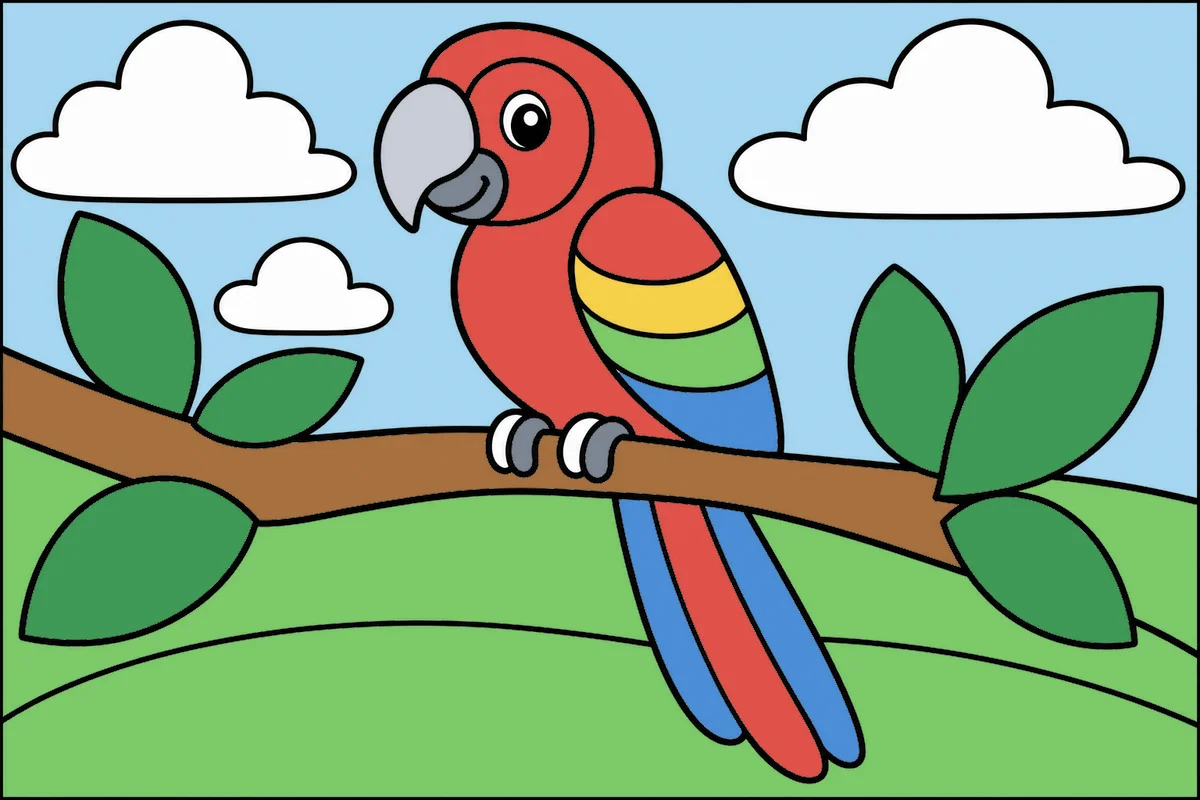
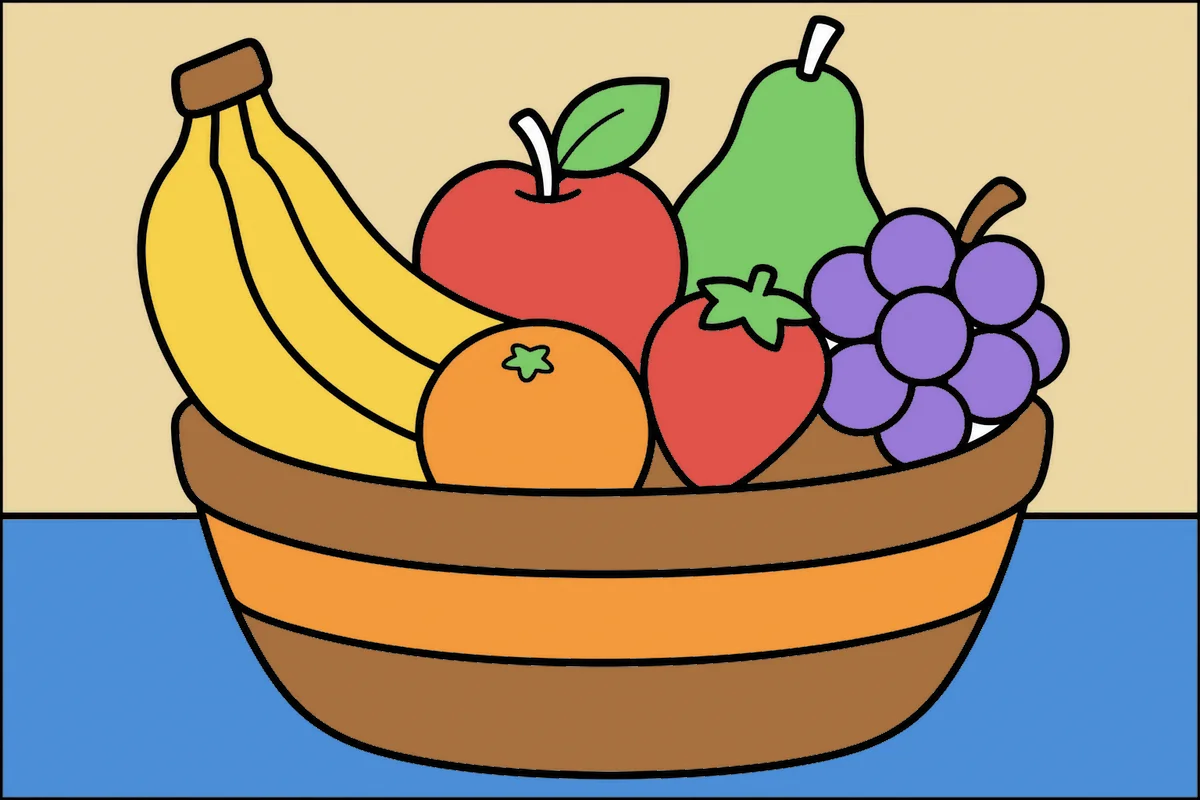
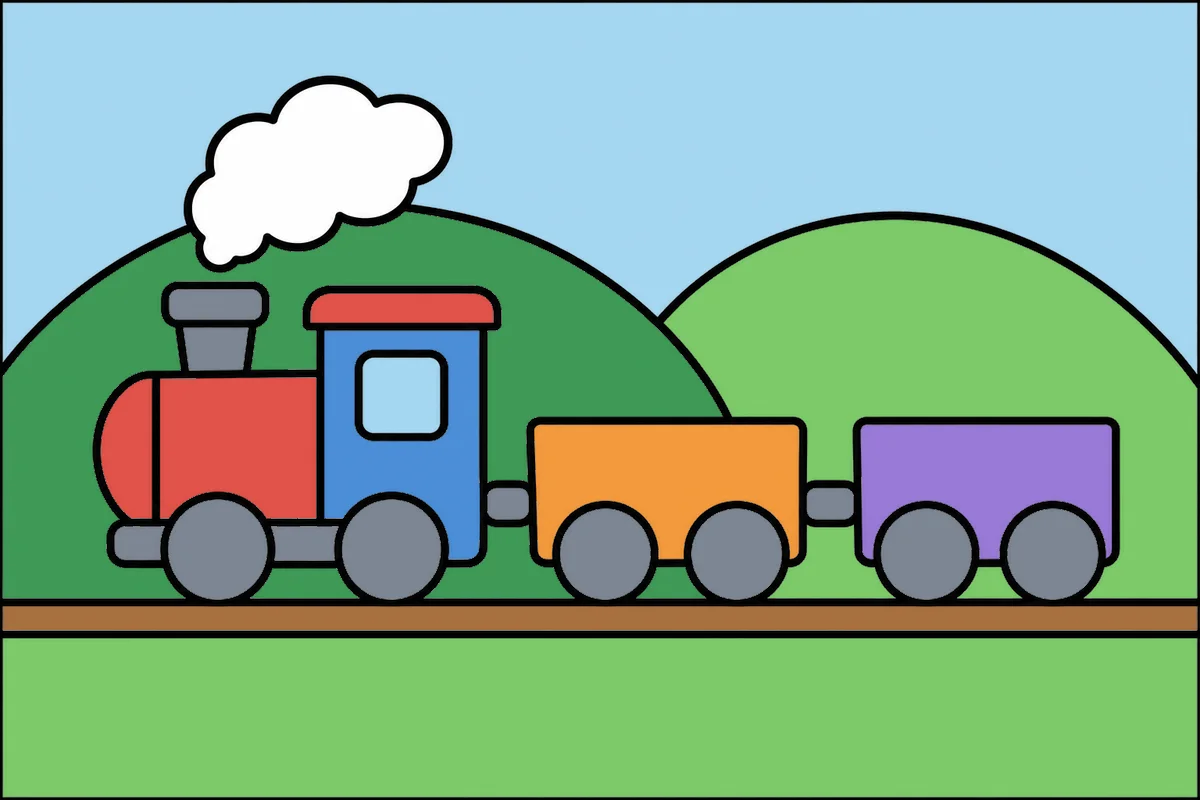
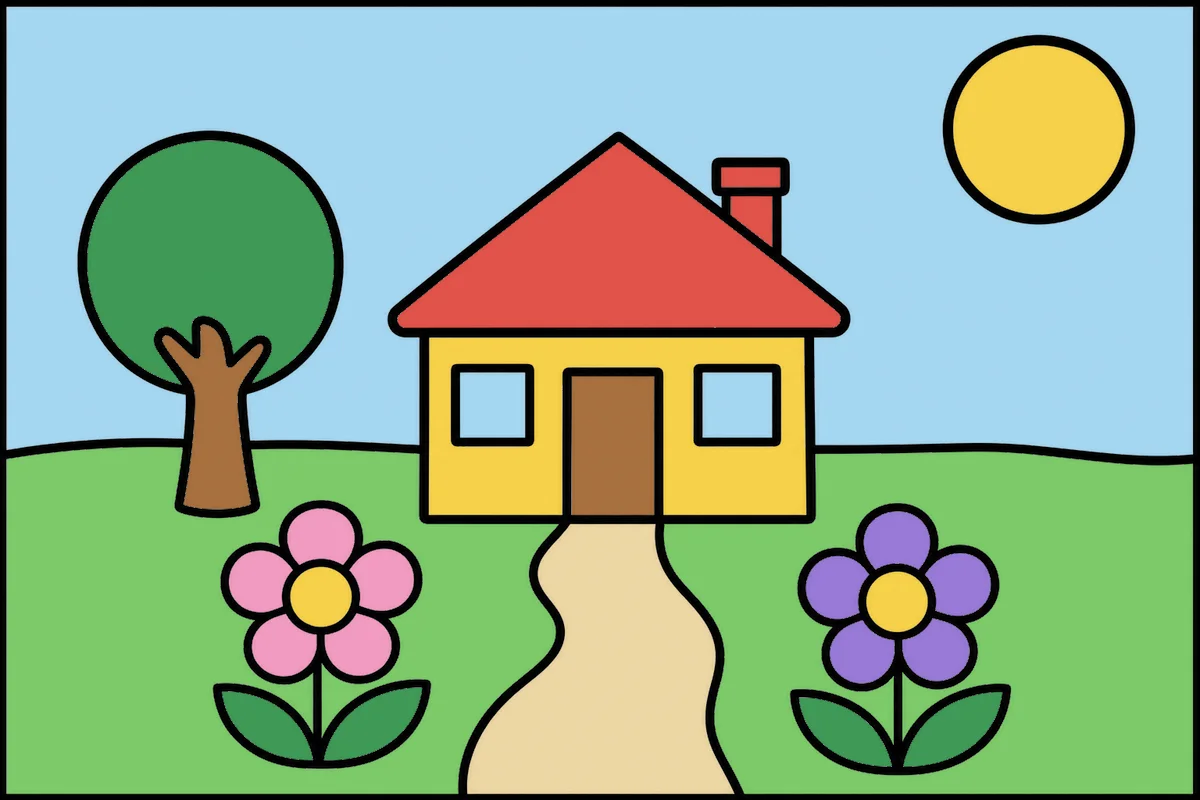
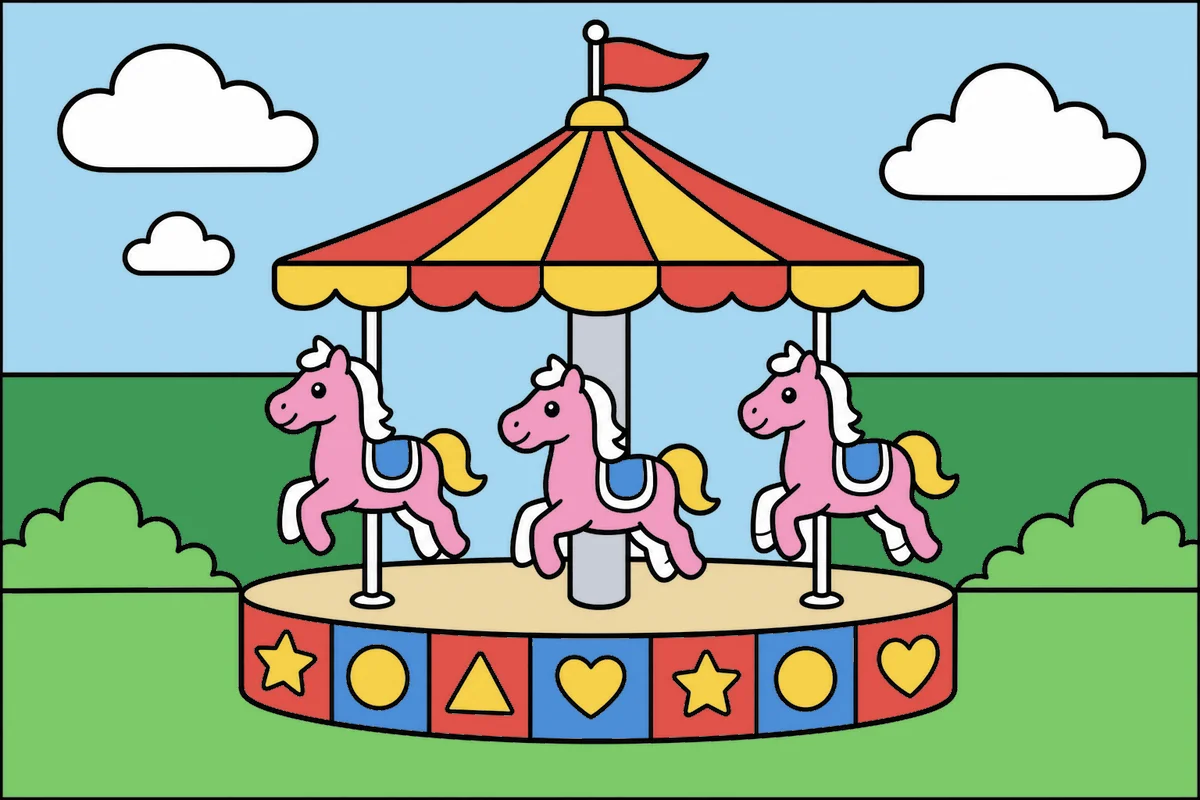
Pick a picture. Each number is a color.
Pick a picture. Each number is a color.
In color by number, every area of the picture has a number and every number is a color. Your child picks a color from the palette, taps the areas with that number, and the picture appears bit by bit. Tapping an area with a different number doesn't paint it: the number wiggles to let them know.
The pictures range from just a few areas to many. Easy ones have a few big areas and few colors; in medium ones the background is split into parts too; hard ones have more areas and more colors. Use the filter at the top to show just one level.
It's free, there's no sign-up, and it works on computers, tablets, and phones.
The easy pictures, with a few big areas and few colors, are fine for kids as young as 4. Medium and hard pictures have more areas and more colors and are better for kids 6 to 8 who already know their numbers well.
Nothing gets painted. The number in that area wiggles for a moment to show it is not the chosen color. There is no score and no timer, so mistakes are no big deal.
With two fingers: pinch to zoom in or out, and drag with two fingers to move around. One finger always paints. There are also buttons to zoom in, zoom out and see the whole picture again.
Yes. Color by number, paint by number and coloring by numbers are names for the same activity: each number tells you which color goes in each part of the picture.
Color by Number is one of the 8 art games on Amigoki.